Free NPC Voice Generator
Give your shopkeepers, guards and quest givers a voice. Type a line, pick a voice for each character and download the MP3 for your game, mod or tabletop session.
Try the NPC Voice Generator free
No sign-up neededStart from a sample script:
Free clips are up to 500 characters, with no sign-up and no watermark. Longer scripts and more voices are on the paid plans.
NPC voice generator example: a shopkeeper greeting
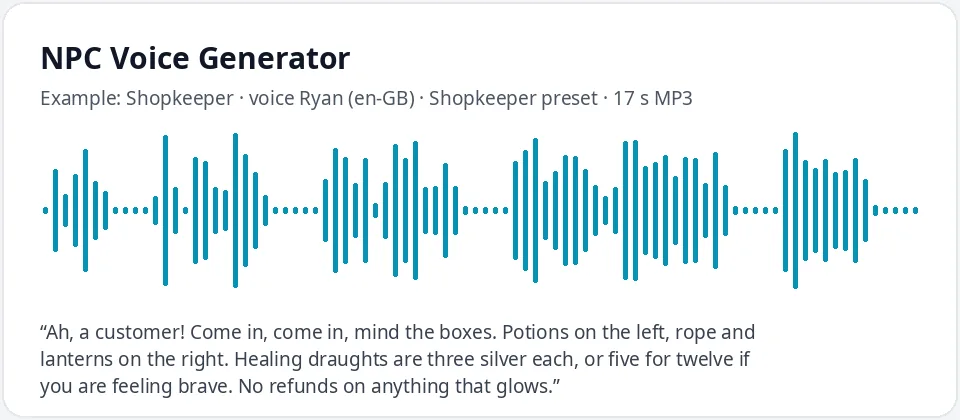
Made with this free tool, no edits: voice Ryan (UK English), Shopkeeper preset on, sample “Shopkeeper”. Text: “Ah, a customer! Come in, come in, mind the boxes. Potions on the left, rope and lanterns on the right. Healing draughts are three silver each, or five for twelve if you are feeling brave. No refunds on anything that glows.”
How it works
- Type an NPC line or bark, or start from one of the samples.
- Keep Ryan with the shopkeeper preset, or pick a different voice for each character.
- Play it, adjust the wording, then download the MP3 for your engine, mod or game night.
How to give each NPC its own voice
Players remember characters by how they sound, so give every recurring NPC a different voice. A simple way is to keep a small cast sheet: one voice per character, plus the preset setting you used. For example, Ryan with the shopkeeper preset for a cheerful merchant, Thomas at a normal pace for a stern guard, Sonia for a calm innkeeper, and Guy for a gruff quest giver.
Pitch and speed are the two levers you have. A lower pitch and a slower pace make a character sound older, heavier or more serious. A higher pitch and a quicker pace sound younger, nervous or excited. Small changes go a long way: a few steps up or down is usually enough to tell two characters apart.
Mix accents to separate places in your world. UK English voices for one kingdom, US English for another, and Australian English voices such as Natasha or William for a far-off port town.
Writing NPC lines that work out loud
- Keep barks short: greetings, "Hey, watch it!", "Need something?" Players hear them many times.
- Give each NPC one habit in their words, such as a catchphrase, a joke or a way of saying prices.
- Put the useful information early: where to go, what it costs, what they want.
- Write numbers and coin amounts as words, such as "three silver", so they are read cleanly.
- Invent your own names for places and people. Use punctuation for pauses and an exclamation mark for energy.
Who uses an NPC voice generator
- Indie game developers placing temporary or final voice lines in a prototype.
- Modders adding new characters, quests or shops to a game they love.
- D&D and tabletop game masters who play a short line when the party meets a key character.
- Visual novel and interactive fiction writers testing how dialogue sounds.
- Streamers and video makers building story segments or game recaps.
What this tool does and does not do
It reads your lines in a clear neural voice with the pitch and speed you choose, and gives you an MP3 per clip. There are no emotion tags, no whisper or shout styles, no voice cloning and no effects such as echo or a radio filter. If a guard should sound like he is speaking through a helmet, add that filter in your audio editor or game engine.
Frequently asked questions
Is the NPC voice generator free?
Yes. The box is free: up to 500 characters per clip, an MP3 download and no watermark. Longer scripts are on the paid plans.
How is the default NPC voice made?
It is Ryan, a UK English AI voice, with a shopkeeper preset that raises his pitch a little and speeds him up by five percent, which sounds bright and chatty. Untick it, or pick another voice, for other characters.
Can I make several different NPC voices?
Yes. Pick a different voice for each character and change the pitch and speed. Note the settings you used so the same NPC sounds the same in every line.
Can I use the MP3 files in my game?
Yes. Download each line as an MP3 and import it into your engine. Most engines accept MP3, or you can convert it to WAV or OGG in a free audio tool.
Can I use it at the table during a D&D session?
Yes. Prepare key lines before the session, save them on a phone or laptop, and play them when the party meets that character.
Need more than a short clip?
The free box above is capped at 500 characters per clip. If you need longer scripts (up to 5,000 characters per generation) or higher-quality voices, take a look at the plans. Nothing here is required to use the free tool.
See plans and pricingMore free text to speech