Free Vampire Voice Generator
Type what your vampire says, keep the vampire preset on, and download a smooth, slow, old-world voice for Halloween, games and stories.
Try the Vampire Voice Generator free
No sign-up neededStart from a sample script:
Free clips are up to 500 characters, with no sign-up and no watermark. Longer scripts and more voices are on the paid plans.
Vampire voice generator example: a castle welcome
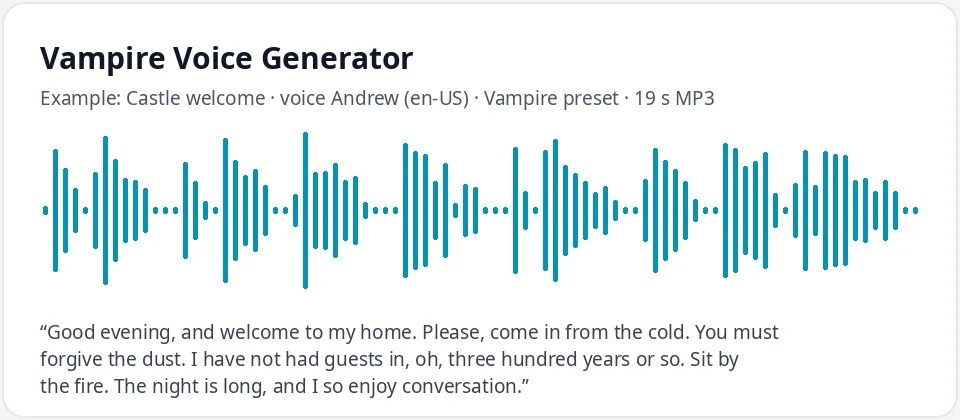
Made with this free tool, no edits: voice Andrew (US English), Vampire preset on, sample “Castle welcome”. Text: “Good evening, and welcome to my home. Please, come in from the cold. You must forgive the dust. I have not had guests in, oh, three hundred years or so. Sit by the fire. The night is long, and I so enjoy conversation.”
How it works
- Type or paste your vampire lines. Free clips are up to 500 characters.
- Leave the "Vampire preset" ticked. It lowers the pitch by 16 Hz and slows the voice by 24 percent. Andrew is preselected.
- Press generate, listen, and download the MP3. Untick the preset to hear the normal voice for comparison.
What does this vampire voice sound like?
It is a smooth, velvet, unhurried voice: the gracious host who has lived for centuries and is in no rush at all. It comes from Andrew, a warm US English AI voice, with the pitch lowered by 16 Hz and the speed slowed by 24 percent.
Andrew's natural warmth is what makes this work. Slowed down and lowered, it sounds charming on the surface and a little dangerous underneath, which is exactly the classic vampire feeling. The slow pace makes polite phrases like "please, come in" sound like an invitation you should think twice about.
It is an English voice with its own American accent. The tool does not add an Eastern European accent, fangs-and-hiss sounds, echo or organ music. For a British-sounding vampire lord, see the tip below.
Ways to use a vampire voice
- Halloween: a door greeting for trick-or-treaters or a looping welcome in a spooky front yard.
- D&D and tabletop horror: a vampire lord, a castle steward or a mysterious noble who knows too much.
- Indie games and visual novels that need a vampire character line.
- Gothic stories, audio dramas and spooky stories read aloud.
- Masquerade and Halloween party invitations with a playful, dark host.
Writing lines a vampire would say
- Be formal and gracious: "good evening", "you must forgive me", "how delightful".
- Mention time on a huge scale: "three hundred years", "a thousand travelers". It makes the voice feel ancient.
- Talk about the night, the moon, the cold and the fire, not about gore. Elegance is creepier than blood.
- Ellipses ("I only bite... chocolate") give a sly pause, which works well for funny kids' lines too.
- Write numbers as words so they are read slowly, and use your own names for the castle and the count.
British, female and younger vampires
The preset works with any voice. For an ancient British lord, switch the language menu to English (UK) and pick Ryan or Thomas with the preset on. For a vampire countess, try Sonia (UK) or Ava (US): the voice drops and slows into something cool and elegant.
For a younger, more playful vampire, use Brian or Emma with the preset on, and write lighter, cheekier lines. Keep a note of which voice you used for each character so a whole story or campaign sounds consistent.
Frequently asked questions
Is the vampire voice generator free?
Yes. The box is free to use: up to 500 characters per clip, with an MP3 download and no watermark. Longer scripts and more generations are on the paid plans.
How is the vampire voice made?
It is Andrew, a warm US English AI voice, with a preset that lowers the pitch by 16 Hz and slows the speed by 24 percent. Untick the preset to hear the normal voice, or keep it on with any other voice.
Can it do a Transylvanian or Eastern European accent?
No. Each voice keeps its own accent, and there is no Eastern European English voice in the list. For a different old-world feel, try a UK English voice like Ryan or Thomas with the preset on.
Is this a live voice changer?
No. It turns typed text into speech. You write the lines, generate them, and download an MP3. It does not change your own voice on a mic.
Can I use it for a Halloween decoration?
Yes. Generate a short greeting, download the MP3, and play it from a speaker by the door or in a looping playlist.
Need more than a short clip?
The free box above is capped at 500 characters per clip. If you need longer scripts (up to 5,000 characters per generation) or higher-quality voices, take a look at the plans. Nothing here is required to use the free tool.
See plans and pricingMore free text to speech