Free Superhero Voice Generator
Type your hero's speech, catchphrase or comic line, keep the hero preset on, and download a strong, confident voice as an MP3.
Try the Superhero Voice Generator free
No sign-up neededStart from a sample script:
Free clips are up to 500 characters, with no sign-up and no watermark. Longer scripts and more voices are on the paid plans.
Superhero voice generator example: a hero speech
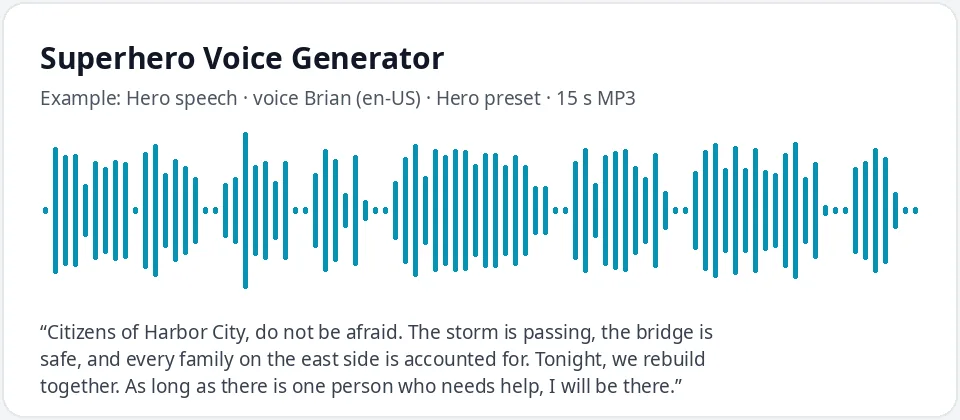
Made with this free tool, no edits: voice Brian (US English), Hero preset on, sample “Hero speech”. Text: “Citizens of Harbor City, do not be afraid. The storm is passing, the bridge is safe, and every family on the east side is accounted for. Tonight, we rebuild together. As long as there is one person who needs help, I will be there.”
How it works
- Type or paste your superhero lines. Free clips are up to 500 characters.
- Leave the "Hero preset" ticked. It lowers the pitch by 12 Hz and speeds the voice up by 6 percent. Brian is preselected.
- Press generate, listen, and download the MP3. Untick the preset to hear the normal voice for comparison.
What does this superhero voice sound like?
It is a strong, steady, confident voice: a little deeper than normal and a touch quicker, so it sounds calm under pressure and ready to act. It comes from Brian, a clear US English AI voice, with the pitch lowered by 12 Hz and the speed raised by 6 percent.
A hero does not drag out words the way a villain does. The slight speed-up keeps sentences moving forward, which sounds decisive, while the lower pitch adds the weight people expect from someone who says "Do not be afraid" and means it.
This is a generic hero voice for your own characters. It does not copy any famous superhero or actor, and it does not add echo, music or sound effects.
Ways to use a superhero voice
- Kids' birthday parties: a mission briefing or a "you are now a member of the squad" message.
- Comics, webcomics and animatics: voice your own hero for a teaser or a reading.
- Indie games: hero dialogue, tutorial lines and victory speeches.
- YouTube shorts and fan-made trailers for original characters.
- Classroom projects and school plays about everyday heroes, helpers and courage.
Tips for a heroic script
- Short, firm sentences sound strongest: "Nobody else gets hurt today."
- Give the hero a reason, not just a punch: who they protect and why.
- Put the key line last. "As long as there is one person who needs help, I will be there" works best as the closer.
- Exclamation marks give energy to a battle cry, but too many make it sound shouty. Use one or two.
- Make up your own hero names, cities and villains, and write numbers as words, like "four strangers".
Heroines, sidekicks and team rosters
The preset works with any voice. For a heroine, try Ava or Emma with the preset on: the voice gets a little lower and more determined. For a young sidekick, untick the preset and use Ana for a bright, eager voice.
Building a whole team? Give each hero a different voice, such as Brian for the leader, Ava for the strategist, Andrew for the gentle giant and Steffan for the wisecracker. Generate each line as its own clip, then put them in order in a free video or audio editor.
Frequently asked questions
Is the superhero voice generator free?
Yes. The box is free to use: up to 500 characters per clip, with an MP3 download and no watermark. Longer scripts and more generations are on the paid plans.
How is the superhero voice made?
It is Brian, a US English AI voice, with a preset that lowers the pitch by 12 Hz and speeds it up by 6 percent. That makes it deeper and more decisive. Untick the preset to hear the normal voice.
Can it sound like a famous superhero?
No. It does not clone or imitate any famous character or actor. It gives you a strong, generic hero voice for your own characters.
Can I make a superhero message for my child's birthday?
Yes. Start from the birthday sample, change the name and age, generate it, and download the MP3 to play at the party or add to a video.
Can I add echo or a big trailer sound?
Not inside this tool. Download the MP3 and add echo, music or effects in a video or audio editor.
Need more than a short clip?
The free box above is capped at 500 characters per clip. If you need longer scripts (up to 5,000 characters per generation) or higher-quality voices, take a look at the plans. Nothing here is required to use the free tool.
See plans and pricingMore free text to speech