Free Line Reader for Actors
Paste your scene partner's lines, leave room for your own, and run the scene with an AI reader whenever you need one.
Try the Line Reader for Actors free
No sign-up neededStart from a sample script:
Free clips are up to 500 characters, with no sign-up and no watermark. Longer scripts and more voices are on the paid plans.
Line reader for actors example: a cue line
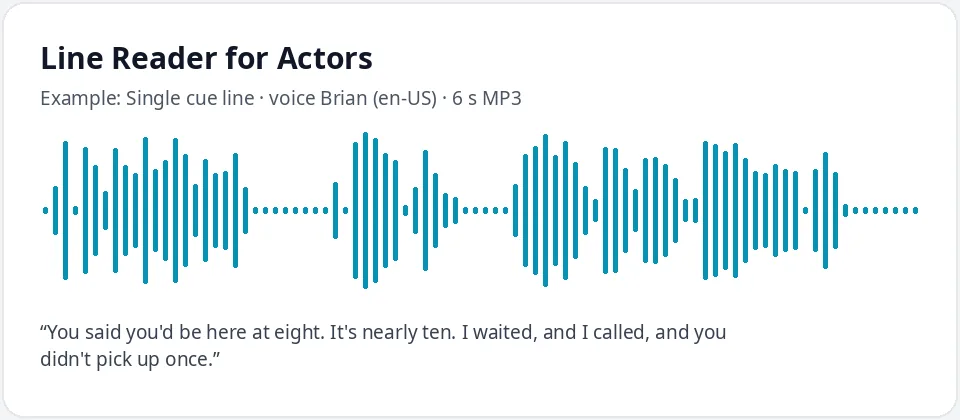
Made with this free tool, no edits: voice Brian (US English), sample “Single cue line”. Text: “You said you'd be here at eight. It's nearly ten. I waited, and I called, and you didn't pick up once.”
How it works
- Paste one of the other character's lines, the cue you answer, into the box.
- Play it, then download it as its own MP3. Repeat for each cue in the scene.
- Play the clips in order and say your own line after each one, or use "..." for short built-in gaps.
How to rehearse with an AI line reader
A reader speaks every line except yours. Here, you make that reader as audio: paste each of your scene partner's lines, download it, and number the files in scene order, such as 01, 02, 03.
Put the clips in a playlist on your phone. Play one, say your line, then tap play for the next. Because you start each clip yourself, you choose the pace, and you can repeat a tricky exchange as often as you like.
How to leave gaps for your own lines
- Best: one clip per cue line. Your gap is as long as you need, because you start the next clip.
- Quick: put several "..." between cue lines in one clip. Each one adds a short pause of about a second, so use five or six for a short reply.
- Long speeches: make separate clips, or add silence between clips in any audio editor.
- For learning lines, make a second version with your lines included in a different voice, and listen to the whole scene on the go.
Tips for self-tapes and audition prep
- Casting usually wants a neutral reader so you stay the focus. Brian is calm and even; Ava and Andrew also work well.
- Write the lines with the punctuation in the script. Commas and question marks shape the delivery.
- Use a different voice for each character in a three-person scene, so the cues are easy to tell apart.
- Keep the reader quieter than you when recording a self-tape: play the clips from a speaker beside the camera, not right next to the mic.
- Run the scene at least once with the reader clips before you record, so the timing feels natural.
- If a cue line sounds flat, rewrite the punctuation: a dash, a question mark or a short sentence changes the read more than you might expect.
What this line reader does and does not do
It reads the text you type in a natural AI voice and gives you an MP3 per clip. It does not listen to you, follow your cues automatically or act out emotions on request. The voice follows the punctuation, so the read is steady rather than performed.
Use it with scripts you are allowed to rehearse, such as your audition sides, class scenes or your own writing, and keep the clips for personal practice.
Frequently asked questions
Is the line reader for actors free?
Yes. The box is free: up to 500 characters per clip, an MP3 download and no watermark. Longer scripts are on the paid plans.
Can it read lines with me in real time?
Not automatically. You make one clip per cue line and play each one when you are ready. That gives you full control of the pace, which many actors prefer.
How do I make a pause for my line?
Add several "..." between lines for a short pause inside one clip, or make separate clips and start each one yourself. Separate clips work best for longer lines.
Can I use different voices for different characters?
Yes. Pick a different voice for each character before you download that character's lines. There are male and female voices in US, UK and Australian English.
Can I use it for a self-tape?
Yes. Play the reader clips from a speaker off camera while you record. Check the casting notes, as some ask for a live reader.
Need more than a short clip?
The free box above is capped at 500 characters per clip. If you need longer scripts (up to 5,000 characters per generation) or higher-quality voices, take a look at the plans. Nothing here is required to use the free tool.
See plans and pricingMore free text to speech