Free Chinese Accent Generator
Type your lines in English and a native Mandarin voice reads them, so they sound like English with a Chinese accent. Pick a male or female voice and download the MP3.
Try the Chinese Accent Generator free
No sign-up neededStart from a sample script:
Free clips are up to 500 characters, with no sign-up and no watermark. Longer scripts and more voices are on the paid plans.
Chinese accent generator example: a museum audio guide
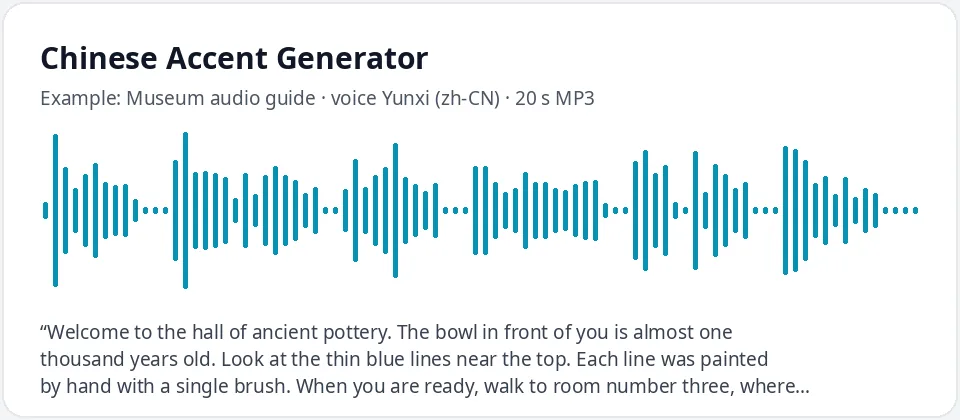
Made with this free tool, no edits: voice Yunxi (Mandarin Chinese voice), sample “Museum audio guide”. Text: “Welcome to the hall of ancient pottery. The bowl in front of you is almost one thousand years old. Look at the thin blue lines near the top. Each line was painted by hand with a single brush. When you are ready, walk to room number three, where you will see how the clay was fired.”
How it works
- Type or paste your text in English. Free clips are up to 500 characters each.
- Chinese (Mandarin) is selected with the male voice Yunxi. Try Yunjian for a deeper male voice, or Xiaoxiao and Xiaoyi for female voices.
- Press generate, listen, and download the MP3. If a word sounds wrong, spell it the way it sounds or split a long sentence.
How this Chinese accent generator works
The voice is a native Mandarin Chinese voice reading the English you type. It uses its own sounds and rhythm, so the result sounds like English with a Chinese accent. There is no extra accent filter and no strength slider.
Be ready for a fairly natural result: these Mandarin voices know many common English words, so everyday sentences often sound only lightly accented. The accent shows more on longer or rarer words, word endings and names. Numbers and abbreviations may be read the Chinese way, so write them as words.
To hear the accent more clearly, use words with "th", l and r, or several consonants at the end, and try a slightly slower speed in More options. If a name comes out wrong, write it the way it sounds.
- It reads English text in a native Mandarin voice and gives you an MP3. Speed and pitch are in More options.
- It does not translate. Type Chinese characters to hear normal Mandarin with no accent.
- It is not a voice changer for your own recording, and it does not copy any real person.
Which Mandarin voice to choose
- Yunxi: a bright, younger male voice. Good for game characters, explainers and app demos.
- Yunjian: a deeper, stronger male voice. Good for narration, sports and serious characters.
- Xiaoxiao: a warm female voice. Good for guides, stories and friendly product videos.
- Xiaoyi: a lighter female voice. Good for animation and casual lines.
What a Chinese accent in English often sounds like
These are common patterns when native Mandarin speakers speak English. Every speaker is different, and many speak with only a light accent.
- Final consonants are softer or shorter, so "bed" and "bet" can sound close.
- The "th" in "think" or "this" may move toward s, f or d.
- The l and r sounds, and v and w, can sound alike for some speakers.
- Consonant groups such as "str" or "lts" may be simplified or get a light vowel between them.
- Each syllable gets a similar, clear weight, which gives the sentence an even, measured rhythm.
Where people use a Chinese accent voice
- Characters in games, animation and audio dramas: an engineer, a detective, a museum guide, a shop owner.
- ESL teachers and speech coaches showing which English sounds are hard for Mandarin speakers.
- Learners who want to compare their own English with a Mandarin-accented model.
- Localization and product teams checking how an English script sounds for a Chinese-speaking audience.
Frequently asked questions
Is the Chinese accent generator free?
Yes. Free clips are up to 500 characters each, with an MP3 download and no watermark. Longer scripts are available on paid plans.
Why does the accent sound light on some sentences?
The Mandarin voices know many common English words, so simple sentences can sound almost neutral. Longer words, names and word endings show the accent more.
Is it Mandarin or Cantonese?
This page uses Mandarin voices from mainland China. For Cantonese voices, see the Hong Kong Chinese text to speech page.
Can I type in Chinese?
Yes. If you type Chinese characters, you get normal Mandarin speech. For a Chinese accent in English, type in English.
Can I use the audio in my videos?
Yes, you can use the audio you generate in your own videos, games and lessons.
Need more than a short clip?
The free box above is capped at 500 characters per clip. If you need longer scripts (up to 5,000 characters per generation) or higher-quality voices, take a look at the plans. Nothing here is required to use the free tool.
See plans and pricingMore free text to speech