Free Arabic Accent Generator
Write your lines in English and a native Arabic voice reads them, so they sound like English with an Arabic accent. Egyptian voices are selected; Saudi voices are one click away.
Try the Arabic Accent Generator free
No sign-up neededStart from a sample script:
Free clips are up to 500 characters, with no sign-up and no watermark. Longer scripts and more voices are on the paid plans.
Arabic accent generator example: a science museum guide
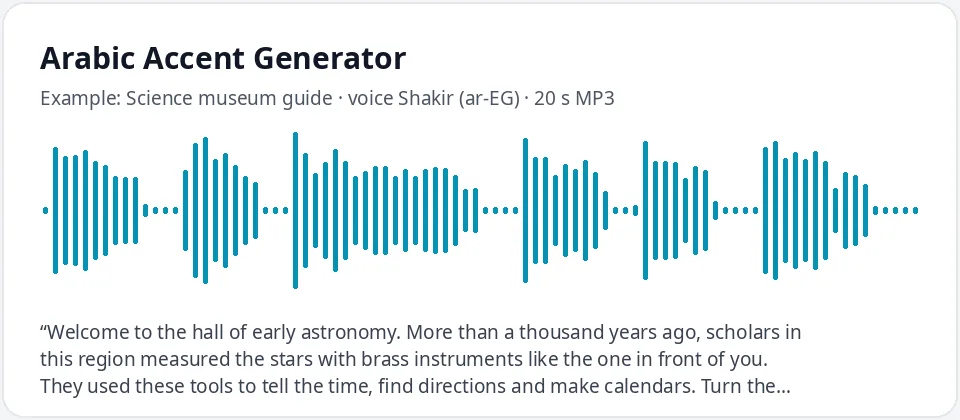
Made with this free tool, no edits: voice Shakir (Egyptian Arabic voice), sample “Science museum guide”. Text: “Welcome to the hall of early astronomy. More than a thousand years ago, scholars in this region measured the stars with brass instruments like the one in front of you. They used these tools to tell the time, find directions and make calendars. Turn the small wheel on the right to see how it works.”
How it works
- Type or paste your text in English. Free clips are up to 500 characters each.
- Arabic (Egypt) is selected with the male voice Shakir; Salma is the female voice. For Saudi voices, switch the language to Arabic and pick Hamed or Zariyah.
- Press generate, listen, and download the MP3. If a word sounds off, spell it the way it sounds and try again.
How this Arabic accent generator works
The voice is a native Arabic voice reading the English you type. It uses Arabic sounds and rhythm, so the result sounds like English with an Arabic accent. There is no extra accent filter and no strength slider.
Results vary by word. Common words are usually clear, while longer words, names and abbreviations can sound more accented or get an unexpected stress. Numbers written as digits may be read in Arabic, so write them as words.
- It reads English text in a native Arabic voice and gives you an MP3. Speed and pitch are in More options.
- It does not translate. Type Arabic script to hear normal Arabic speech with no accent.
- It is not a voice changer for your own recording, and it does not copy any real person.
- Words with p, v and groups of consonants, such as "please visit the park", show the accent most clearly.
Egyptian or Saudi Arabic accent
The page starts on Egyptian Arabic, the variety most Arabic speakers know from film and television. Shakir is a warm male voice and Salma a clear female voice.
For a Gulf flavor, switch the language to Arabic and choose Hamed (male) or Zariyah (female), both from Saudi Arabia. When these voices read English the regional difference is small, so compare the same line in each and choose by ear.
What an Arabic accent in English often sounds like
These are common patterns when native Arabic speakers speak English. They vary by country and by person, and the AI voice shows some more than others.
- Arabic has no p sound, so "park" can lean toward "bark".
- Arabic has no v sound, so "very" can lean toward "ferry".
- The r is tapped or rolled with the tip of the tongue.
- Groups of consonants, as in "street" or "spring", may get a light vowel to break them up.
- Some vowels, such as the ones in "bit" and "bet", can sound close together.
Where people use an Arabic accent voice
- Characters in games, animation and audio dramas: a navigator, a doctor, a museum guide, a coach.
- ESL teachers showing which English sounds are new for Arabic speakers, and learners training their ear.
- Localization teams checking how an English script sounds for Arabic-speaking audiences.
- School projects, travel videos and short films that need a natural Arabic-accented English line.
Frequently asked questions
Is the Arabic accent generator free?
Yes. Free clips are up to 500 characters each, with an MP3 download and no watermark. Longer scripts are available on paid plans.
Which Arabic accent is it?
Egyptian by default (Shakir and Salma). Switch the language to Arabic for the Saudi voices Hamed and Zariyah. Other regions have their own pages under Arabic text to speech.
Why is the accent stronger on some words?
The voice is a native Arabic voice reading English. It knows common English words and guesses on rare ones, names and abbreviations, where the accent shows more.
Can I type in Arabic?
Yes. If you type Arabic script, you get normal Arabic speech with no accent. For an Arabic accent in English, type in English.
Can I use the audio in my videos?
Yes, you can use the audio you generate in your own videos, games and lessons.
Need more than a short clip?
The free box above is capped at 500 characters per clip. If you need longer scripts (up to 5,000 characters per generation) or higher-quality voices, take a look at the plans. Nothing here is required to use the free tool.
See plans and pricingMore free text to speech