Free Train Announcement Generator
Type a platform announcement, pick a British or American voice and download a clear, station-style MP3 for your layout, video or game.
Try the Train Announcement Generator free
No sign-up neededStart from a sample script:
Free clips are up to 500 characters, with no sign-up and no watermark. Longer scripts and more voices are on the paid plans.
Train announcement generator example: a departure call
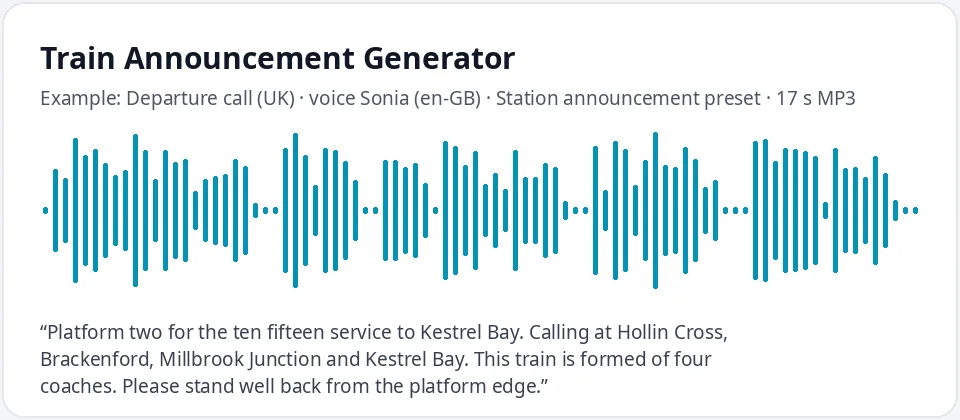
Made with this free tool, no edits: voice Sonia (UK English), Station announcement preset on, sample “Departure call (UK)”. Text: “Platform two for the ten fifteen service to Kestrel Bay. Calling at Hollin Cross, Brackenford, Millbrook Junction and Kestrel Bay. This train is formed of four coaches. Please stand well back from the platform edge.”
How it works
- Write your announcement with a made-up station name, or start from one of the samples.
- Keep the British voice and station preset, or switch to a US voice for an American-style call.
- Play it, adjust the wording, then download the MP3 for your layout, video or game.
How to write a realistic train announcement
- Follow the usual order: platform or track, departure time, destination, then the stops it calls at.
- Write times as words, such as "the ten fifteen service", so the voice reads them the way staff do.
- End with a safety line, such as "Please stand well back from the platform edge."
- Use full stops between parts. Each full stop gives a short pause, which makes a long calling pattern easier to follow.
- Repeat key warnings, such as a fast train passing, the way real stations do.
- Make a separate clip for each type of message (departure, delay, next stop) so you can reuse them in any order on a layout or in a game.
Where people use a train station announcement voice
- Model railway layouts: play departure calls from a small speaker hidden in the station building.
- Videos and short films set on a platform or inside a carriage.
- Games and train simulators, including custom routes and fan-made maps with invented stations.
- School projects and presentations about transport, maps or timetables.
- Escape rooms and themed events with a station or travel setting.
British and American announcement styles
British station calls tend to list every stop and use phrases like "calling at" and "formed of four coaches". Sonia, Libby, Ryan and Thomas are UK English voices, and the station preset slows them by ten percent so long lists stay clear.
American calls say "track" instead of "platform", "All aboard" before departure, and often mention the conductor. Pick a US voice such as Jenny, Guy or Aria for that style. The preset is optional: untick it for a normal speed.
For a station in Australia or a fictional world with its own style, try Natasha or William in Australian English, or mix voices: one for platform calls and another for on-board messages.
What this tool does and does not do
It reads your text in a clear neural voice at a slightly slower, steady pace and gives you an MP3. It does not add a station chime, echo or crowd noise. If you want those, layer the MP3 with your own sound effects in any audio or video editor.
Please use invented station and company names. Do not copy a real rail operator's branding or make clips that could be mistaken for a real announcement in a real station.
Frequently asked questions
Is the train announcement generator free?
Yes. The box is free: up to 500 characters per clip, an MP3 download and no watermark. Longer scripts are on the paid plans.
How is the station voice made?
It is Sonia, a UK English AI voice, with a preset that keeps her pitch the same and slows her down by ten percent. That gives the calm, measured pace of a platform announcement. Untick the preset for her normal speed.
Can I make an American train announcement?
Yes. Choose US English in the box and pick a voice such as Jenny, Guy or Aria. Use American wording like "track five" and "All aboard".
Can I use the MP3 on my model railway or in a video?
Yes. Download the MP3 and play it from a sound module, speaker or editing timeline. Use made-up station names rather than a real operator's branding.
How do I make a long calling pattern fit?
Each clip holds up to 500 characters. Split a long list of stops into two clips, such as the departure call and the stops, and play them back to back.
Need more than a short clip?
The free box above is capped at 500 characters per clip. If you need longer scripts (up to 5,000 characters per generation) or higher-quality voices, take a look at the plans. Nothing here is required to use the free tool.
See plans and pricingMore free text to speech