Free School Announcement Generator
Type today's announcements, pick a clear voice and download an MP3 to play over the PA, in a morning video or on your class page.
Try the School Announcement Generator free
No sign-up neededStart from a sample script:
Free clips are up to 500 characters, with no sign-up and no watermark. Longer scripts and more voices are on the paid plans.
School announcement generator example: morning announcements
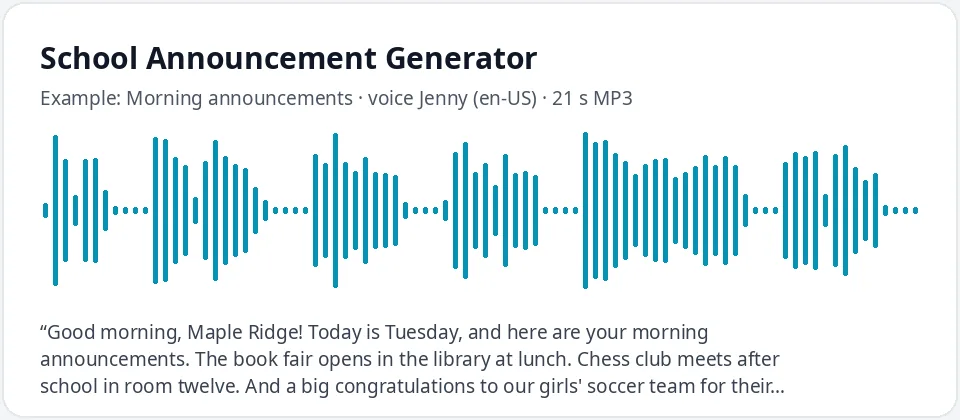
Made with this free tool, no edits: voice Jenny (US English), sample “Morning announcements”. Text: “Good morning, Maple Ridge! Today is Tuesday, and here are your morning announcements. The book fair opens in the library at lunch. Chess club meets after school in room twelve. And a big congratulations to our girls' soccer team for their win on Saturday. Have a great day, and remember to be kind.”
How it works
- Type your announcements, or start from a sample and change the names and details.
- Keep Jenny, or pick another clear voice such as Andrew, Ava or Brian.
- Play it, check the names are said right, then download the MP3 for the PA or your video.
How to write school announcements that students hear
- Open with a greeting and the day, such as "Good morning, Maple Ridge! Today is Tuesday."
- Put the most important item first. Attention drops after the first thirty seconds.
- Keep one item to two or three short sentences: what, when and where.
- Write times as words, such as "three fifteen", and room numbers as "room twelve".
- Finish with a friendly sign-off or a short message the school repeats each day.
- Split a long list into two clips, for example news first and then clubs and sports.
Where schools use recorded announcements
- Morning announcements over the PA when the usual reader is out or the office is busy.
- Morning news videos made by a student media club, with the voice as the host or narrator.
- Class pages and learning platforms, so students who were absent can hear the day's news.
- Repeated messages, such as lunch menus, library returns or lost and found reminders.
- Event days, such as book fairs, spirit week, field trips and school plays.
Getting names and words right
Play every clip before it goes on air. AI voices read most words well but can stumble on unusual names, team names or school names. If a name comes out wrong, spell it the way it sounds, such as "Shuh-VON" for Siobhan, and play it again. Keep the correct spelling in your written notice and use the sound-it-out spelling only in the box.
Short words such as "lead" and "read" can be said two ways. If the voice picks the wrong one, rewrite the sentence so the meaning is clear.
Jenny is a clear, friendly US English voice that works well over school speakers. For a British school, choose UK English and try Sonia or Libby. To give students variety, alternate two voices on different days.
What this tool does and does not do
It turns your text into a clear spoken MP3. It does not connect to your PA system, so play the MP3 from a computer or phone plugged into it. It does not add a chime or music: add your school bell tone in an editor if you like.
It is for everyday announcements. Safety alerts and emergency messages should follow your school's own procedures and be given by staff, not made with this tool.
Frequently asked questions
Is the school announcement generator free?
Yes. The box is free: up to 500 characters per clip, an MP3 download and no watermark. Longer scripts are on the paid plans.
Which voice is best for school announcements?
Jenny is the default because she is clear and friendly over a PA. Andrew and Brian are good male voices, and Sonia or Libby work well for UK schools. Try two or three and pick the one that sounds best on your speakers.
How do I play the MP3 over the school PA?
Download the MP3 and play it from a computer or phone connected to the PA, the same way you would play any audio file. Test the volume before the first bell.
What if a student's name is pronounced wrong?
Spell the name the way it sounds, break it into syllables and use capitals for the stressed part, then play it again. Ask the student or a family member if you are not sure how it is said.
Can students use it for a morning news show?
Yes. A student media club can write the script, make the voice clips and add them to a video. It is a good way to practice writing short, clear news.
Need more than a short clip?
The free box above is capped at 500 characters per clip. If you need longer scripts (up to 5,000 characters per generation) or higher-quality voices, take a look at the plans. Nothing here is required to use the free tool.
See plans and pricingMore free text to speech