Free Princess Voice Generator
Write your royal lines and hear them in a sweet, bright fairy-tale voice. Download the MP3 for parties, stories and videos.
Try the Princess Voice Generator free
No sign-up neededStart from a sample script:
Free clips are up to 500 characters, with no sign-up and no watermark. Longer scripts and more voices are on the paid plans.
Princess voice generator example: a party welcome
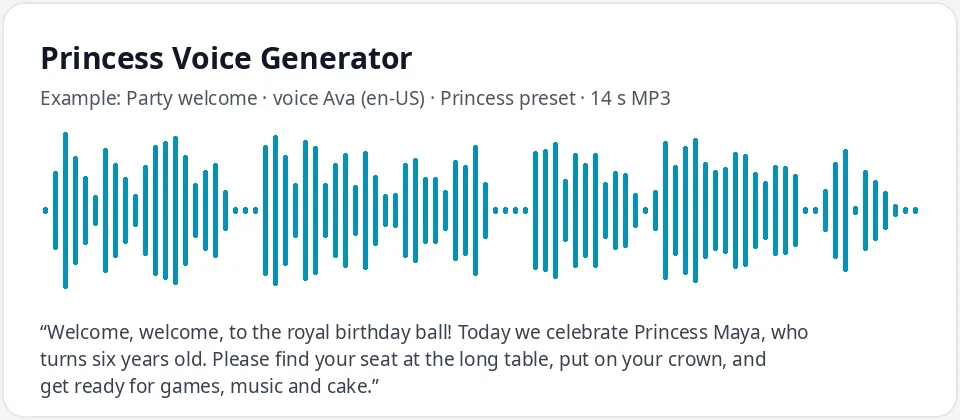
Made with this free tool, no edits: voice Ava (US English), Princess preset on, sample “Party welcome”. Text: “Welcome, welcome, to the royal birthday ball! Today we celebrate Princess Maya, who turns six years old. Please find your seat at the long table, put on your crown, and get ready for games, music and cake.”
How it works
- Type your lines. Free clips are up to 500 characters.
- Keep the "Princess preset" on. Ava is preselected; the preset makes her brighter and a little slower.
- Generate, listen, and download the MP3 for your party, story or video.
What this princess voice sounds like
It is a sweet, bright and graceful voice of a young woman, the kind of warm, kind read you picture for a fairy-tale princess. It starts from Ava, a natural US English AI voice, and the preset raises the pitch by 18 Hz and slows the speed by 5 percent.
The lift is gentle on purpose. Raise a voice too far and it turns squeaky; a small lift plus a calm pace keeps it elegant. It is an adult voice, not a child voice, so it works as the princess who welcomes the guests or narrates the story.
Ways to use a princess voice
- Kids' birthday parties: a royal welcome, a decree of party rules, a thank-you at the end.
- Story time and bedtime stories read by a gentle princess narrator.
- Party games and treasure hunts with clues from the princess.
- Video games, animations and puppet shows that need a royal character.
- Classroom fairy-tale activities and school plays.
Writing a fairy-tale script
Fairy-tale language does a lot of the work. Open with "Once upon a time" or "Hear ye, hear ye", use castle words (crown, drawbridge, garden gate, royal ball) and end with a warm line. Put the birthday child's name in the script, and write their age as a word, so the clip feels made just for them.
Your princess can be brave, clever or funny, not only polite. Give her something to do: fix the drawbridge, find the lost crown, send the knights to sweep up the glitter. Kids love a princess with a job.
Want a British storybook princess? Switch the language to English (UK) and pick Sonia or Libby with the preset on. For a party, make a few short clips (a welcome, the rules, a game clue and a goodbye) and play each one at the right moment from your phone or a speaker.
What it does and does not do
- It reads your text in a sweet, bright AI voice and gives you an MP3.
- It changes only the voice, pitch and speed. It does not sing and does not add sparkles, music or castle sounds.
- It does not copy any princess from a film, show or game. You get your own original fairy-tale princess.
Frequently asked questions
Is the princess voice generator free?
Yes. The box is free: up to 500 characters per clip, an MP3 download and no watermark. Longer scripts and more generations are on the paid plans.
How is the princess voice made?
It is Ava, an AI voice of a young adult woman, with the Princess preset: pitch raised by 18 Hz and speed slowed by 5 percent. Untick the preset to hear her normal voice.
Can it sound like a famous film princess?
No. It does not copy any character or actress. It makes an original princess voice that you can use for your own stories and parties.
Can I make a personal message for my child's party?
Yes. Write a short welcome or birthday message with your child's name, generate it, and play the MP3 at the party or add it to a video.
Can it sing?
No, it reads text as speech. Rhymes and short poems still sound lovely in the princess voice.
Need more than a short clip?
The free box above is capped at 500 characters per clip. If you need longer scripts (up to 5,000 characters per generation) or higher-quality voices, take a look at the plans. Nothing here is required to use the free tool.
See plans and pricingMore free text to speech