Free Knight Voice Generator
Type a knight's oath, a battle speech or a medieval proclamation, keep the knight preset on, and download a noble, steady British voice as an MP3.
Try the Knight Voice Generator free
No sign-up neededStart from a sample script:
Free clips are up to 500 characters, with no sign-up and no watermark. Longer scripts and more voices are on the paid plans.
Knight voice generator example: a knight's oath
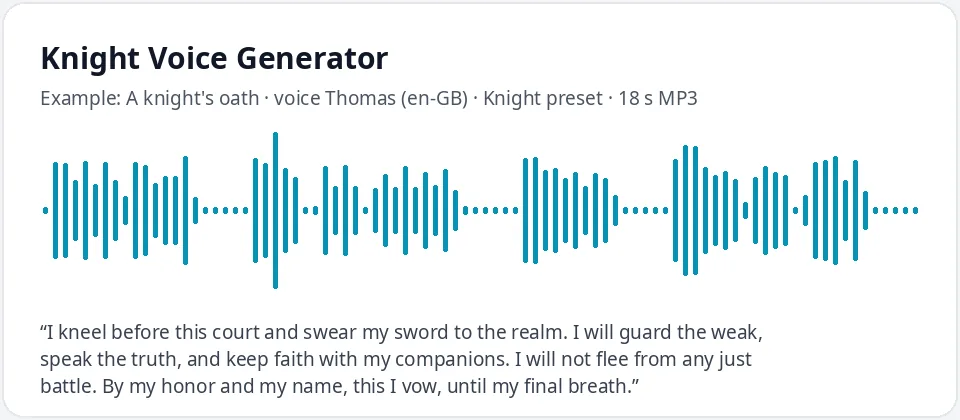
Made with this free tool, no edits: voice Thomas (UK English), Knight preset on, sample “A knight's oath”. Text: “I kneel before this court and swear my sword to the realm. I will guard the weak, speak the truth, and keep faith with my companions. I will not flee from any just battle. By my honor and my name, this I vow, until my final breath.”
How it works
- Type or paste your knight or medieval lines. Free clips are up to 500 characters.
- Leave the "Knight preset" ticked. It lowers the pitch by 10 Hz and slows the voice by 8 percent. Thomas (UK English) is preselected.
- Press generate, listen, and download the MP3. Untick the preset to hear the normal voice for comparison.
What does this knight voice sound like?
It is a noble, steady, formal voice: the knight who chooses every word because a vow is a vow. It comes from Thomas, a UK English AI voice, with the pitch lowered by 10 Hz and the speed slowed by 8 percent.
The changes are gentle on purpose. A knight should sound grounded and sincere, not like a monster or a movie villain. The small drop in pitch adds strength, and the slightly slower pace gives oaths and proclamations the weight they need. The British voice fits the castle-and-court setting most people picture.
The tool changes only the voice, the pitch and the speed. It does not add armor clanks, sword sounds, crowd noise or a helmet echo; add those in a video editor if you need them.
Medieval lines it works well for
- Oaths and vows: a knighting ceremony, a promise to a king or queen, a sworn quest.
- Battle speeches and rallying cries before a fight in a game or a school play.
- Royal proclamations and town crier lines: "Hear ye, hear ye" announcements for tournaments and feasts.
- Quest givers, castle guards and old soldiers for RPGs and D&D sessions.
- Medieval tavern tales, legends and history lessons read aloud.
Writing a script that sounds medieval
- Use formal, old-fashioned words: realm, honor, sworn, vow, my lord, my lady, by my name.
- Do not overdo "thee" and "thou". A few touches sound noble; a whole speech of them can sound like a parody.
- Give the knight a cause: who he protects and why. That is what makes a speech stirring.
- Put a short command line between longer ones, like "Hold the line!", for rhythm.
- Invent your own kingdoms, castles and rulers, and write dates and numbers as words, like "the first day of spring".
Lady knights, kings and other medieval voices
The preset works on any voice. For a lady knight or a queen, try Sonia or Libby (UK) with the preset on: the voice becomes lower and more commanding. For a young squire, untick the preset and use Ryan for a lighter, eager voice.
For a king or an old commander, pick Ryan or Thomas and keep the preset on, then write slower lines with more commas. For a medieval narrator who tells the whole tale, use the knight preset on Thomas and keep sentences long and flowing.
Frequently asked questions
Is the knight voice generator free?
Yes. The box is free to use: up to 500 characters per clip, with an MP3 download and no watermark. Longer scripts and more generations are on the paid plans.
How is the knight voice made?
It is Thomas, a UK English AI voice, with a preset that lowers the pitch by 10 Hz and slows the speed by 8 percent. Untick the preset to hear the normal voice, or use it with any other voice in the list.
Can I use it as a medieval voice generator?
Yes. It reads any medieval script, including royal proclamations, town crier lines, tavern stories and history lessons, in a steady, formal British voice.
Can it add sword or armor sounds?
No. It only creates the voice. Download the MP3 and add sound effects or music in a video or audio editor.
Can I use the knight voice in my game?
Yes, you can use the audio you generate in your own games, videos and projects.
Need more than a short clip?
The free box above is capped at 500 characters per clip. If you need longer scripts (up to 5,000 characters per generation) or higher-quality voices, take a look at the plans. Nothing here is required to use the free tool.
See plans and pricingMore free text to speech