Free Graduation Name Reader
Type the graduates' names, spell tricky ones the way they sound, and get a clear, steady reading as an MP3 for a slideshow, a recorded ceremony or a pronunciation check.
Try the Graduation Name Reader free
No sign-up neededStart from a sample script:
Free clips are up to 500 characters, with no sign-up and no watermark. Longer scripts and more voices are on the paid plans.
Graduation name reader example: calling the first graduates
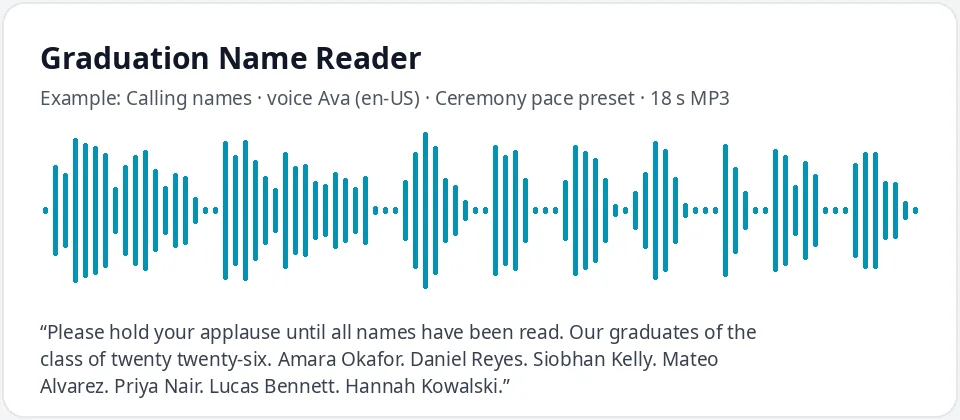
Made with this free tool, no edits: voice Ava (US English), Ceremony pace preset on, sample “Calling names”. Text: “Please hold your applause until all names have been read. Our graduates of the class of twenty twenty-six. Amara Okafor. Daniel Reyes. Siobhan Kelly. Mateo Alvarez. Priya Nair. Lucas Bennett. Hannah Kowalski.”
How it works
- Type the names in the order they will be called, with a full stop after each one.
- Spell any name the voice gets wrong the way it sounds, then play it again.
- Ask each graduate to check their name, then download the MP3 for your slideshow or ceremony.
How to spell names phonetically
Many schools ask graduates for a phonetic spelling, and the same method works in this box. Break the name into syllables with hyphens and write the stressed syllable in capitals: "Shuh-VON" for Siobhan, or "NGOO-yen" for Nguyen. Use plain English sounds rather than special symbols, because the voice reads letters, not pronunciation codes.
Choose spellings the voice cannot misread. "Ee" says the sound in "see", "oh" the sound in "go", and "ay" the sound in "day". If a syllable still comes out wrong, try a common word that rhymes with it, such as "Neev" to rhyme with "leave".
Keep the correct spelling on printed programs and diplomas. The sound-it-out spelling is only for the voice.
Let every graduate hear their name first
Names matter on graduation day. AI voices can mispronounce names from many languages, and a wrong name on the big day hurts. Send each graduate, or their family, the clip of their own name and ask them to approve it or send a better spelling. Fix the names that need it before you make the final recording.
For a large live commencement, a person reading from checked phonetic cards, or the graduate's own recording, is often the better choice. Many students want a human voice for that moment.
Where a graduation name reader helps
- Graduation slideshows and photo videos, where each name plays as the photo appears.
- Recorded or online ceremonies for homeschool groups, small schools, programs and clubs.
- Preschool and kindergarten graduations, with first names read slowly and clearly.
- Rehearsals: a human name reader can listen to a respelled name before reading it live.
- Certificate and award nights, where the same steady voice reads every name.
Pace, pauses and order
Put a full stop after each name so the voice pauses before the next one. The ceremony pace preset slows Ava down by twelve percent, which gives listeners time to hear each name and leaves room to clap. For a slideshow, make one clip per name so you can line each one up with its photo. Keep the names in exactly the order the graduates will walk or appear, and play the whole list once from start to finish before the day. If someone is added or drops out at the last minute, remake only the clip that changed instead of the whole list.
Frequently asked questions
Is the graduation name reader free?
Yes. The box is free: up to 500 characters per clip, an MP3 download and no watermark. Longer scripts are on the paid plans.
How is the name reading voice made?
It is Ava, a warm US English AI voice, with a preset that lowers her pitch slightly and slows her by twelve percent so each name is clear. Untick the preset for her normal pace, or pick another voice.
What if the voice says a name wrong?
Write the name the way it sounds, in syllables, with the stressed part in capitals, such as "Shuh-VON". Then ask the graduate to listen and confirm. Do not use a clip they have not approved.
Should we use an AI voice for a big commencement?
Think carefully. Many graduates prefer a person reading their name live. This tool suits slideshows, recorded ceremonies, small events and checking pronunciation before a human reader goes on stage.
How many names fit in one clip?
Each clip holds up to 500 characters, roughly twenty to thirty names. For a long list, make several clips in order, or one clip per name for a slideshow.
Need more than a short clip?
The free box above is capped at 500 characters per clip. If you need longer scripts (up to 5,000 characters per generation) or higher-quality voices, take a look at the plans. Nothing here is required to use the free tool.
See plans and pricingMore free text to speech