Free GPS Voice Generator
Type your directions and hear them in a calm, clear navigation voice. Download the MP3 for videos, vlogs and games.
Try the GPS Voice Generator free
No sign-up neededStart from a sample script:
Free clips are up to 500 characters, with no sign-up and no watermark. Longer scripts and more voices are on the paid plans.
GPS voice generator example: turn-by-turn directions
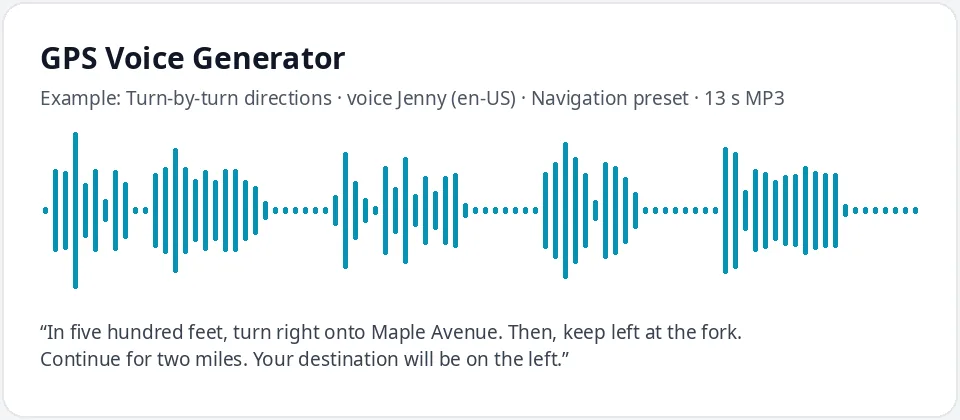
Made with this free tool, no edits: voice Jenny (US English), Navigation preset on, sample “Turn-by-turn directions”. Text: “In five hundred feet, turn right onto Maple Avenue. Then, keep left at the fork. Continue for two miles. Your destination will be on the left.”
How it works
- Type your directions. Free clips are up to 500 characters.
- Keep the "Navigation preset" on. Jenny is preselected; the preset makes her a little calmer and more measured.
- Generate and download the MP3, then drop it into your video or game.
What a GPS voice sounds like
A navigation voice is calm, even and clear. It gives one instruction at a time, puts the distance first and never sounds rushed, so a driver can understand it in a single listen. This voice is Jenny, a clear US English AI voice, with a light preset: pitch down 4 Hz and speed down 8 percent. It stays close to her normal voice, just a little steadier.
That calm tone is also why GPS lines are so funny in skits. The voice stays perfectly polite while the directions get more and more ridiculous.
For a road trip video, make one short clip for each leg of the journey, such as "Continue for forty miles" before the highway shots and "You have arrived" over the first view of the beach. Short clips are easier to place on a timeline than one long recording, and you can change a single line later without redoing the rest. If you need a different accent, every voice in the list works with the same preset.
Where people use a GPS-style voice
- Travel vlogs and road trip videos, to introduce each stop on the route.
- Funny GPS clips and skits for TikTok, Reels and YouTube Shorts.
- Games, escape rooms and scavenger hunts that guide players room by room.
- Walking tours and campus or event directions played on a screen or speaker.
- Maps and route animations in explainer videos.
How to write navigation-style lines
- Distance first, then the action: "In five hundred feet, turn right."
- One instruction per sentence. Use "Then," to chain two steps.
- Use the classic phrases: "Continue for two miles", "Keep left at the fork", "Recalculating", "You have arrived."
- Write distances and numbers as words, and spell street names the way they are said.
- Use full stops between steps; they give the short pauses a navigation voice needs.
What it does and does not do
- It reads your directions in a calm, clear AI voice and gives you an MP3.
- It does not plan routes or know real roads; it reads exactly the text you write.
- It cannot be installed as the voice of your car, phone or navigation app.
- It is not the voice of any navigation brand, and it is not for fooling real drivers.
Frequently asked questions
Is the GPS voice generator free?
Yes. The box is free: up to 500 characters per clip, an MP3 download and no watermark. Longer scripts and more generations are on the paid plans.
How is the GPS voice made?
It is Jenny, an AI voice, with a light Navigation preset: pitch lowered by 4 Hz and speed slowed by 8 percent for a calm, measured read. Untick it for her normal voice.
Can I put this voice in my car or phone navigation?
No. This is a navigation voice generator for clips: it makes MP3 files for videos, games and projects. It does not replace the voice in a navigation app.
Can I get a male or British GPS voice?
Yes. Pick any voice in the list, such as Andrew, or switch to English (UK) for Sonia or Ryan. The preset works with all of them.
Can I use the clips in my videos?
Yes, you can use the audio you generate in your own videos, vlogs and games.
Need more than a short clip?
The free box above is capped at 500 characters per clip. If you need longer scripts (up to 5,000 characters per generation) or higher-quality voices, take a look at the plans. Nothing here is required to use the free tool.
See plans and pricingMore free text to speech