Free Audio Description Generator
Write short descriptions of what happens on screen, and get a calm, neutral voice track you can place in the gaps of your video.
Try the Audio Description Generator free
No sign-up neededStart from a sample script:
Free clips are up to 500 characters, with no sign-up and no watermark. Longer scripts and more voices are on the paid plans.
Audio description generator example: an opening scene
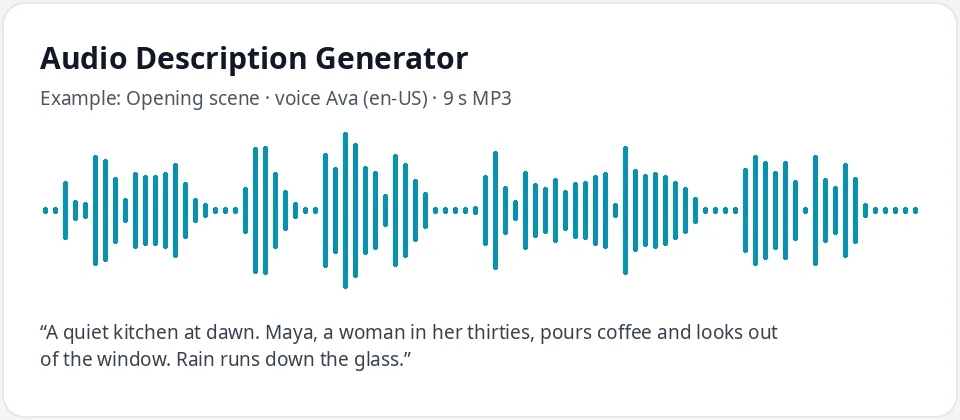
Made with this free tool, no edits: voice Ava (US English), sample “Opening scene”. Text: “A quiet kitchen at dawn. Maya, a woman in her thirties, pours coffee and looks out of the window. Rain runs down the glass.”
How it works
- Watch your video and note each gap in the dialogue where key visual information needs to be described.
- Write one short description per gap, paste it in the box and download each line as its own MP3.
- Place each clip on a separate audio track in your video editor, at the start of its gap.
What audio description is, and when you need it
Audio description (AD) is a spoken track that tells blind and low-vision viewers what they cannot see: actions, people, settings, on-screen text and scene changes. It is spoken in the natural pauses between dialogue so it does not talk over the original sound.
The Web Content Accessibility Guidelines (WCAG) ask for it on prerecorded video. Success criterion 1.2.3 (Level A) allows audio description or a full text alternative, and 1.2.5 (Level AA) asks for audio description. Extended audio description, where the video pauses to make room for longer descriptions, is in 1.2.7 (Level AAA).
How to write good audio description
- Describe what is seen, in the present tense: "She opens the door," not "She is about to leave."
- Do not interpret feelings or guess motives. Describe the action or expression and let viewers decide.
- Prioritize what matters for the story or the lesson: who is there, what they do, where it happens.
- Read any important on-screen text, such as titles, names, prices and phone numbers.
- Keep each line short enough to fit its gap. A gap of three seconds holds roughly eight words.
How to place audio description clips in a video editor
- Make one MP3 per description so each clip can be moved on its own.
- Add a new audio track under your main audio and drop each clip at the start of its gap.
- Lower the original sound slightly under each clip if music or effects compete with the voice.
- If a description does not fit, shorten the words first. For key moments, add a short freeze frame to make room (extended description).
- Export a separate "with audio description" version, or upload the mix as an extra audio track on platforms that support one.
What this tool does and does not do
It voices descriptions you write, in a calm, neutral AI voice that stays the same across the whole video. It does not watch your video, write the descriptions for you or mix them in. You keep control of every word, which matters for accuracy.
Ava is set at her normal speed so lines fit tight gaps. If a line is too long, edit the text rather than speeding the voice up, so it stays easy to follow. Ask a blind or low-vision viewer to watch a draft when you can: they will tell you quickly what is missing or too much.
Frequently asked questions
Is the audio description generator free?
Yes. The box is free: up to 500 characters per clip, an MP3 download and no watermark. Longer scripts are on the paid plans.
Does it write the descriptions from my video?
No. You write each description, and the tool turns it into speech. That way the description says exactly what you want and nothing is guessed.
Which voice is best for audio description?
A calm, neutral voice that does not compete with the cast. Ava is the default. Andrew, Emma and Brian also work well. Use one voice for the whole video.
Does audio description make my video WCAG compliant?
It covers the audio description part of WCAG for prerecorded video when the descriptions are complete and accurate. Captions and other criteria still apply, so check the full guidelines for your project.
What file format do I get?
An MP3 for each clip. Most video editors import MP3 directly onto an audio track.
Need more than a short clip?
The free box above is capped at 500 characters per clip. If you need longer scripts (up to 5,000 characters per generation) or higher-quality voices, take a look at the plans. Nothing here is required to use the free tool.
See plans and pricingMore free text to speech