Free Spelling Test Reader
Turn this week's spelling list into slow, clear audio, so children can practice on their own at home or in class.
Try the Spelling Test Reader free
No sign-up neededStart from a sample script:
Free clips are up to 500 characters, with no sign-up and no watermark. Longer scripts and more voices are on the paid plans.
Spelling test reader example: word, sentence, word
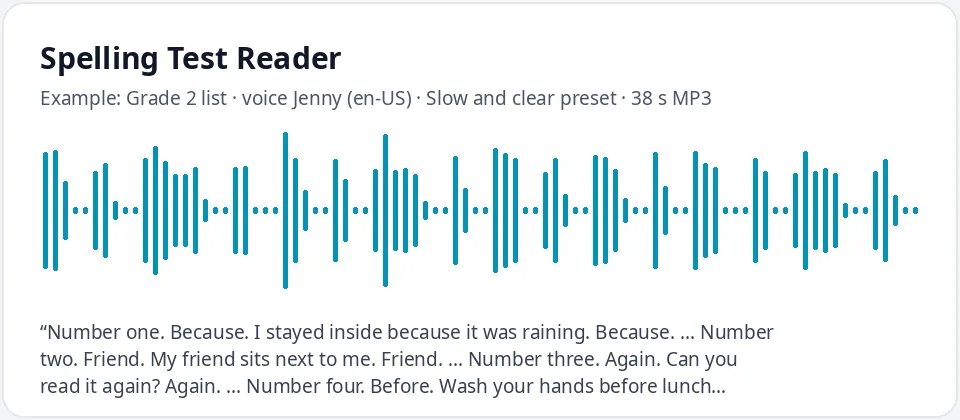
Made with this free tool, no edits: voice Jenny (US English), Slow and clear preset on, sample “Grade 2 list”. Text: “Number one. Because. I stayed inside because it was raining. Because. ... Number two. Friend. My friend sits next to me. Friend. ... Number three. Again. Can you read it again? Again. ... Number four. Before. Wash your hands before lunch. Before.”
How it works
- Type your list in the word, sentence, word format, or edit one of the samples.
- Keep the slow and clear preset, press play and check every word sounds right.
- Download the MP3 and play it while your child or class writes each word.
How to make spelling test audio
Most teachers read a spelling test in the same pattern: the word, a short sentence that uses it, then the word again. Type your list that way, with "Number one." before each word, and the voice reads it like a teacher would.
Put "..." between words. It adds a short pause. For more writing time, make one clip per word and press pause between clips, or play each clip when your child is ready.
Name the files clearly, such as "week 6 spelling test", and keep the same voice all year so children get used to it. A short list of eight to ten words split into two clips works well for younger children.
Tips for clear spelling test audio
- Use the sentence to show which word you mean, especially for words that sound alike, such as "there", "their" and "they're".
- Keep sentences short and simple, so the word stands out.
- Play every clip once before you share it. If a word sounds odd, try another voice or add the sentence to make it clear.
- Make a second "check your answers" clip that spells each word letter by letter, with commas between the letters.
- For UK spellings such as "colour", pick a UK English voice like Libby or Sonia.
Who uses a spelling test reader
- Teachers who want every student to hear the same clear list, including students who join late.
- Parents helping with weekly spelling practice at home.
- Kids practicing on their own, replaying the list as many times as they like.
- Tutors and English learners working on dictation and listening.
- Children who need extra time or a quieter room, who can take the same test with headphones.
- Families who share the clip in a class chat, so every child practices with the same list at home.
What this tool does and does not do
It reads your list out loud, slowly and clearly, and gives you an MP3. It does not mark the test, save scores or choose the words. You stay in control of the list and the sentences.
The slow and clear preset slows Jenny down by 25 percent without changing her pitch, so each sound is easy to hear. Untick it for older students who are ready for normal speed.
Frequently asked questions
Is the spelling test reader free?
Yes. The box is free: up to 500 characters per clip, an MP3 download and no watermark. Longer scripts are on the paid plans.
How is the slow voice made?
It is Jenny, a US English AI voice, with a preset that keeps her pitch the same and slows her down by 25 percent. Every word comes out clear and unhurried. Untick the preset for her normal speed.
How many words fit in one clip?
About four or five words in the word, sentence, word format, or ten or more if you read the words only. Make several clips for a longer list.
Can it spell the word letter by letter?
Yes. Type the letters with commas between them, such as "F, r, i, e, n, d", and the voice reads each letter. This is handy for an answer-check clip.
Does it mark the test?
No. It only makes the audio. Your child writes the words on paper, and you check them, or play a second clip that spells the answers.
Need more than a short clip?
The free box above is capped at 500 characters per clip. If you need longer scripts (up to 5,000 characters per generation) or higher-quality voices, take a look at the plans. Nothing here is required to use the free tool.
See plans and pricingMore free text to speech